Auto-cut to the beat
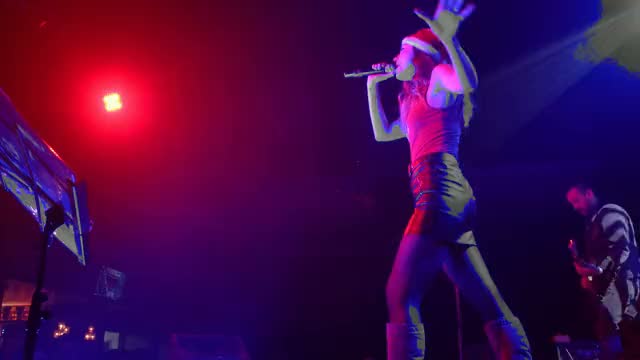
Any footage, any song. DuranCuts finds the best moments and cuts them on the beat, tighter in the chorus, and every shot stays a clip you can move.
Every cut is a clip you can trim, move or swap.
DuranCuts makes motion graphics, music videos, promos and edits from a sentence. Ask for changes in plain words; everything it makes stays editable on a real timeline. For Mac and Windows.
One sentence is enough. Add a song, a link, a screen recording or your own footage if you have it.
It plans the video, lays the shots on a timeline, cuts them to the music, writes the captions and grades the picture.
Ask for a change in plain words, or take the timeline yourself. Every cut stays editable.
Lights out on the avenue
Slower on the silhouette.
Done. It now plays at 60%.
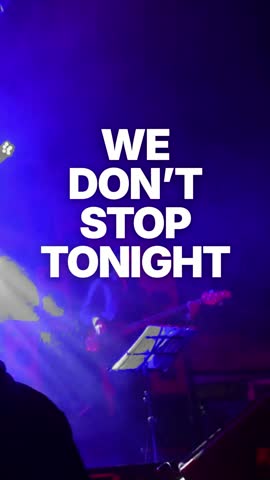
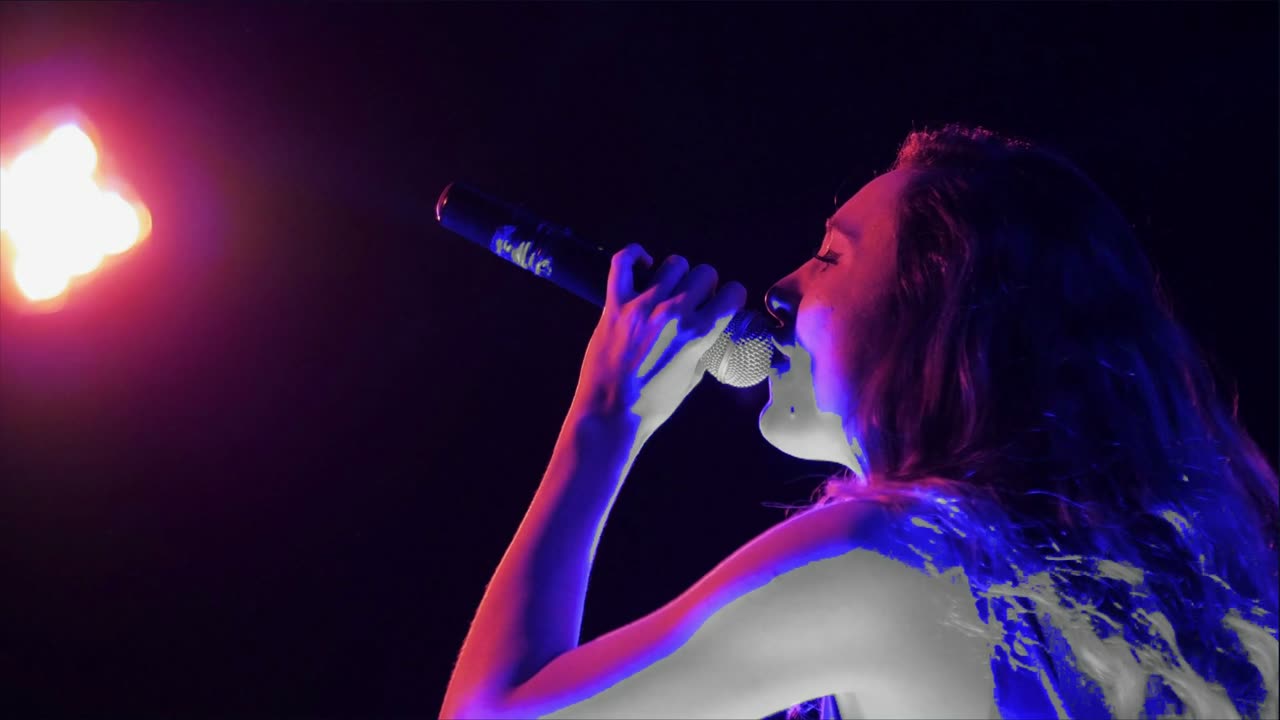
Drop in a song and a pile of clips. DuranCuts scores every moment, picks the best ones and cuts them on the beat into a music video you can keep editing, with the lyrics landing on the sung words.
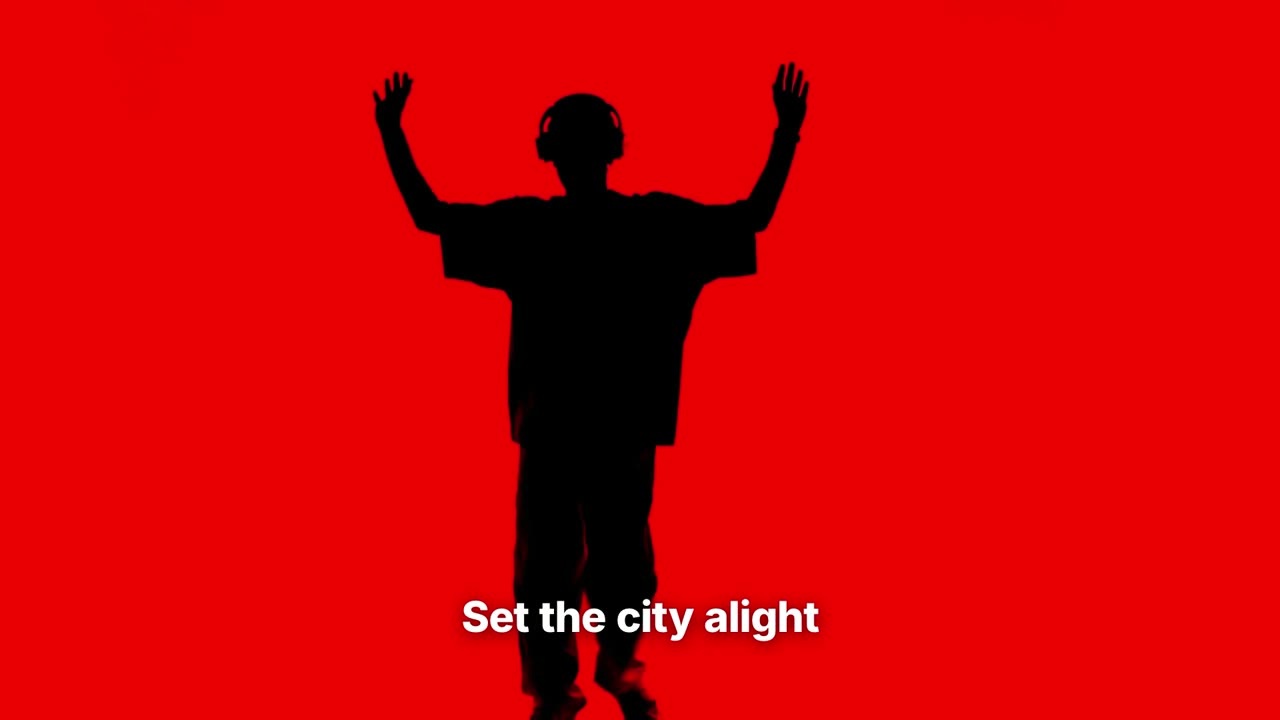
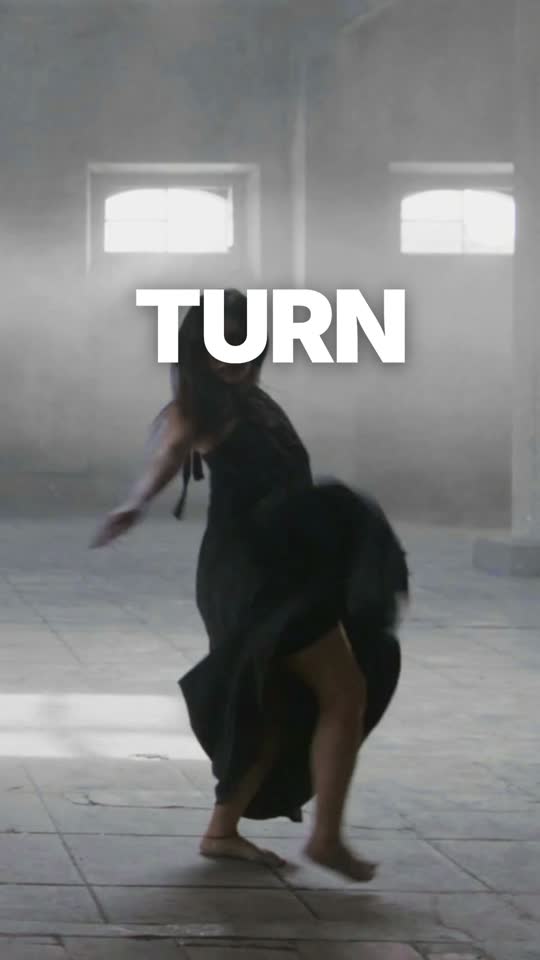
“Turn It Up” was written and generated for this video with ElevenLabs Music. Footage: Mixkit, free license. All credits
One sentence in. A real, editable video out.
Each of these is a sentence away. Hover a card to see it work.
Any footage, any song. DuranCuts finds the best moments and cuts them on the beat, tighter in the chorus, and every shot stays a clip you can move.
Every cut is a clip you can trim, move or swap.
Search your footage by what's in the frame or what was said. It runs on your computer.
Found shots drop onto the timeline as normal clips.
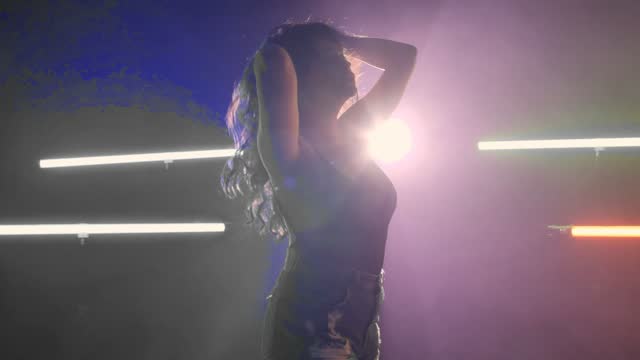
Give it the words. It times each one to the vocal and sets them in motion, in many languages.
Change any word, its timing, font or color.
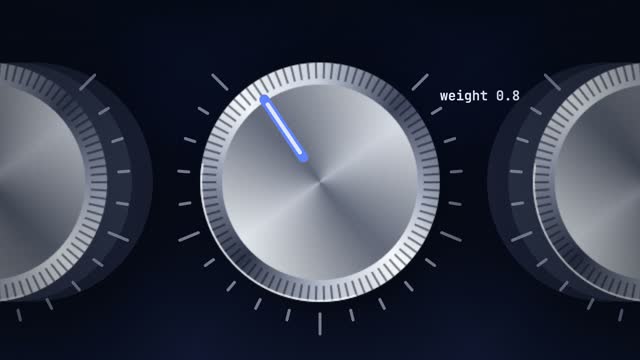
Ask for a change and a fast model makes it. Every value it touched comes back as a slider you can drag.
Drag a knob, or undo the whole turn.
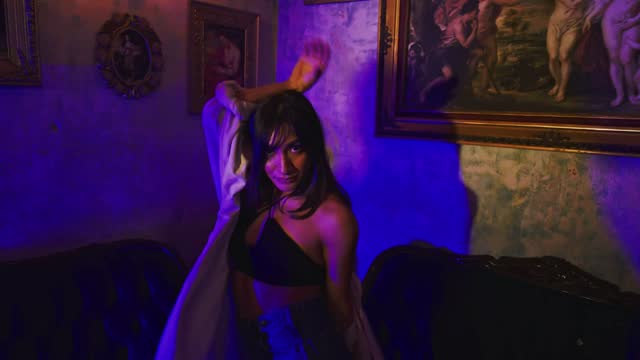
Ask for three takes of the same edit and keep the one you like.
Keep one take and go on editing it.
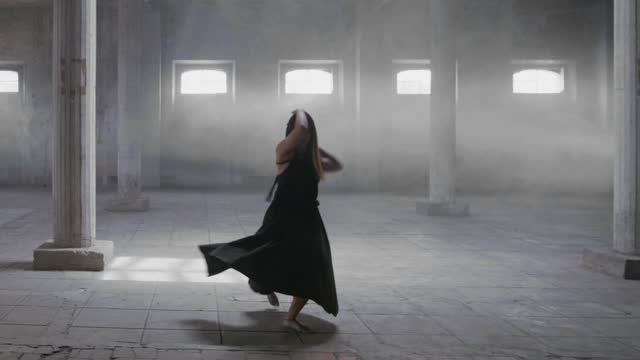
16:9, 9:16 and 1:1 from one edit, each framed on the subject.
Each format is a version you can keep editing.
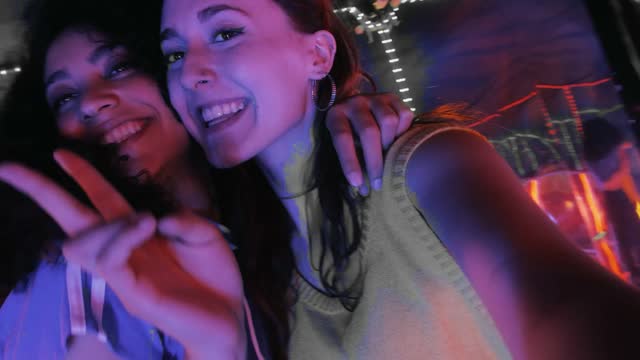
Your client comments on the moment. Each comment comes back as a change, one click to apply.
An applied comment is an ordinary edit you can undo.
Watch the latest cut, ask for a change and approve comments from the DuranCuts phone app.
Changes you ask for land on the same timeline.
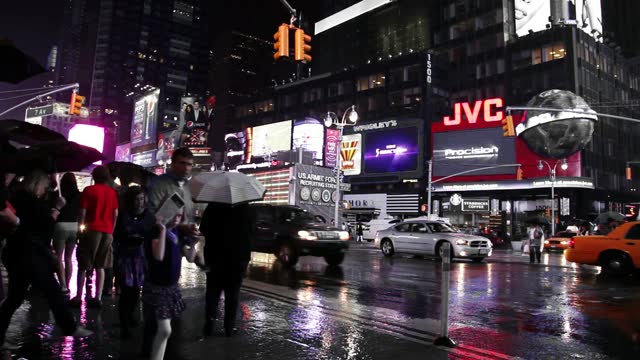
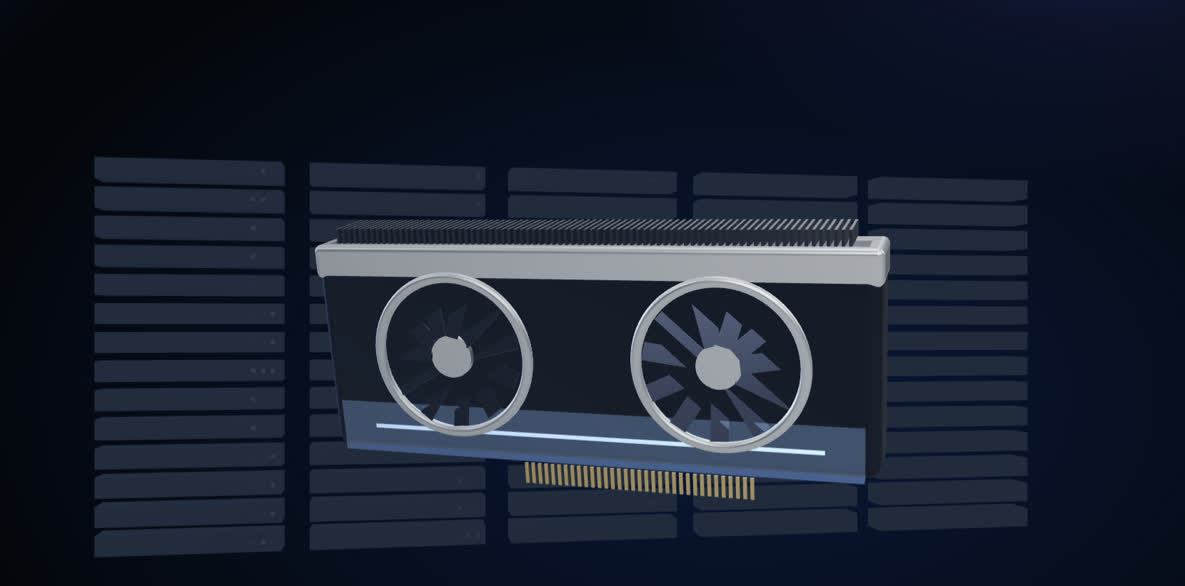
When a job is too big for your computer, rent a data-center GPU by the second. See the prices
Rendered shots come back as ordinary clips.
Every shot, title, caption, cut, sound and 3D scene the agent makes is a normal clip on a real timeline. Nothing is a flattened render you're stuck with.
Drop in a song and its lyrics. Lyric Video splits the vocal on your computer, times every word to the singing and finds the verses and choruses. Then you pick the look.
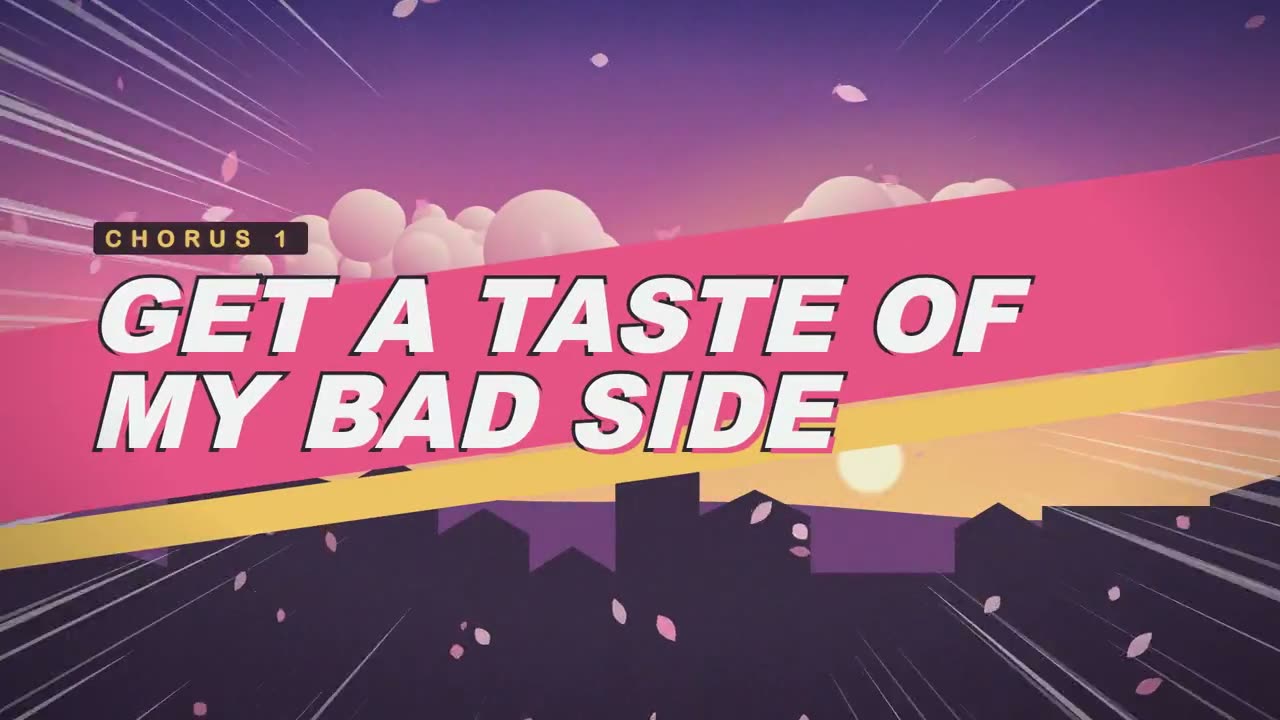
Every style reads the same word times, so a new look never breaks the sync. Seven of them, rendered by Lyric Video from the chorus above:
Also bouncing ball, typewriter, chorus takeover, call and response, minimal subtitle and tilted stack.

A title card at each part, then subtitles with the sung word underlined, over speed lines and petals.
Only have artist photos? Lyric Video turns them into a video cut to the beat.
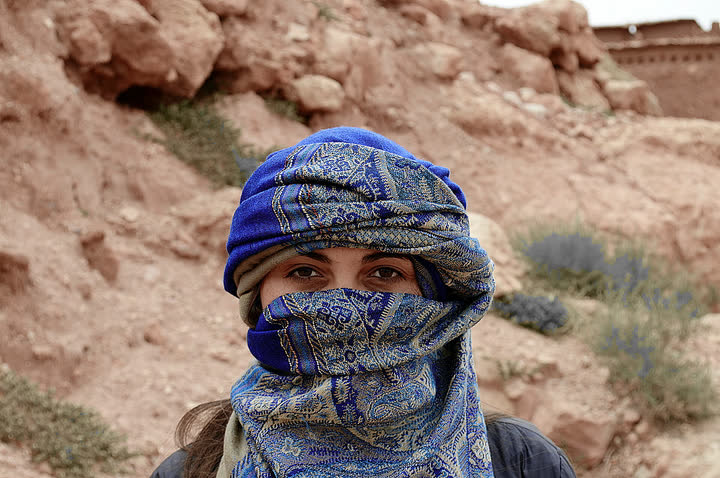
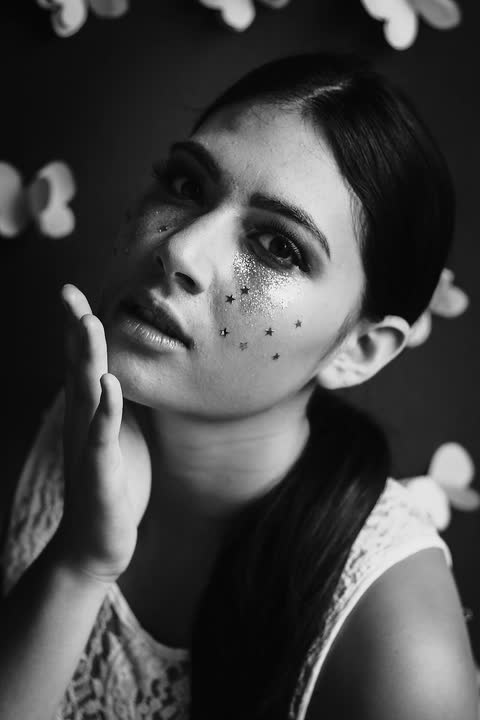
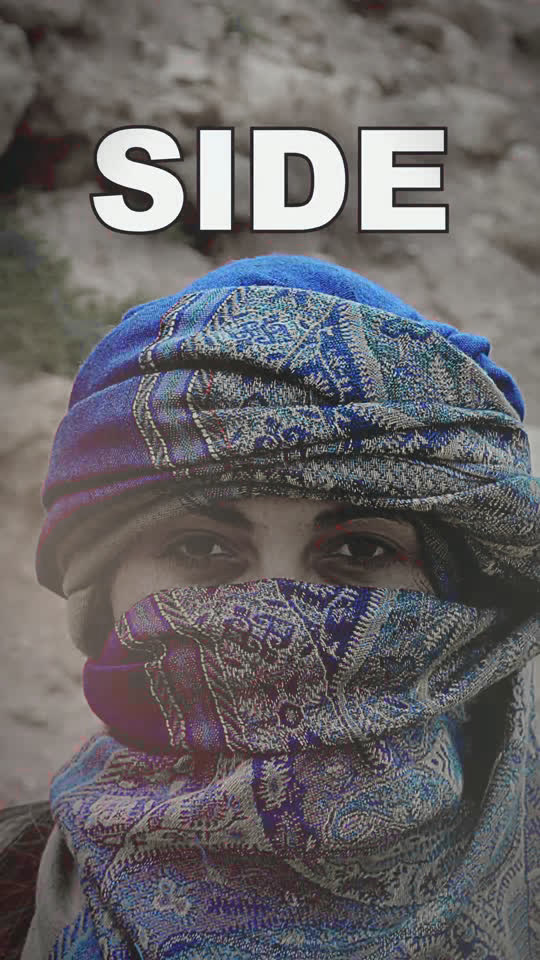
Lyrics in any language the singing is heard in, timed the same way. Japanese and Chinese a character at a time, Arabic and Hebrew right to left.
Song: “Bad Side” by Rxbyn, used under a Creative Commons Attribution license. Photos: Maria Darii and Matheus Ferrero, CC0. All credits
Explainers, product promos, title sequences. The agent designs the shots, animates them and scores them, and every layer stays editable.
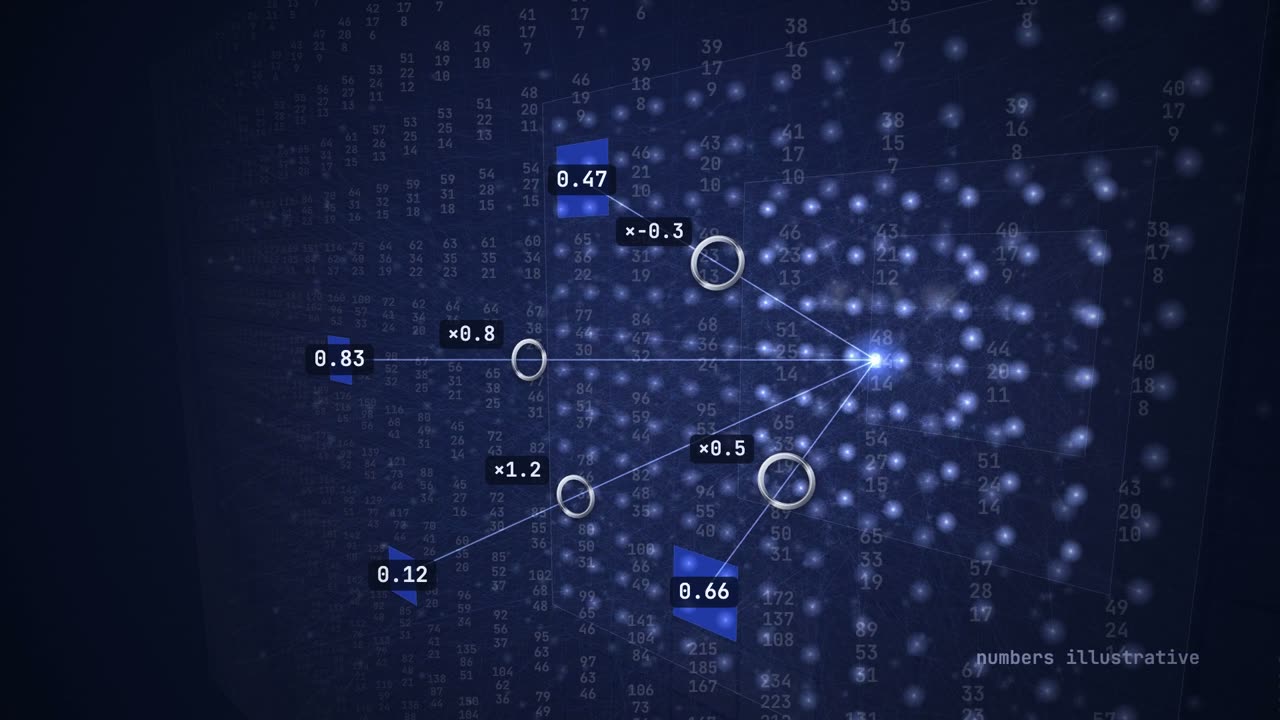
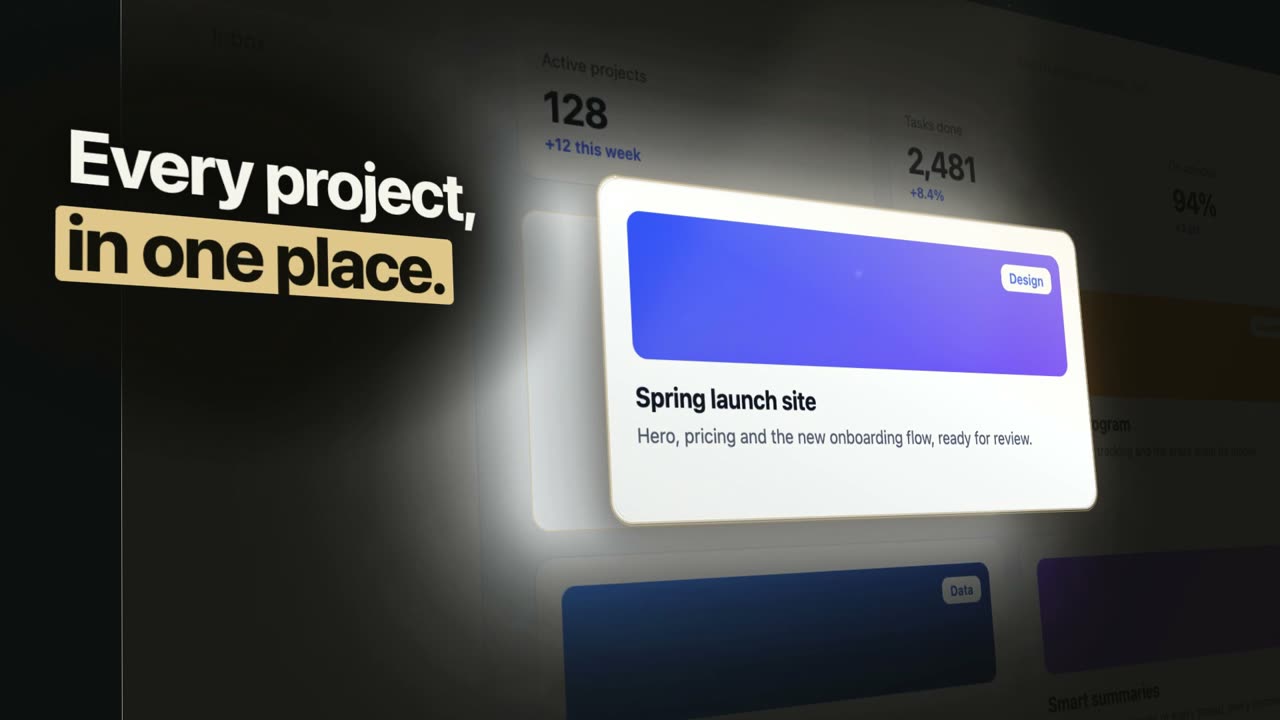
Ask for a 3D shot and DuranCuts builds the scene in Blender, renders it on your computer and drops it on the timeline.
Everything the agent makes lands as clips you can move, trim and mix. Shuttle with J, K and L, ride levels in the mixer, let the music duck under the voice.
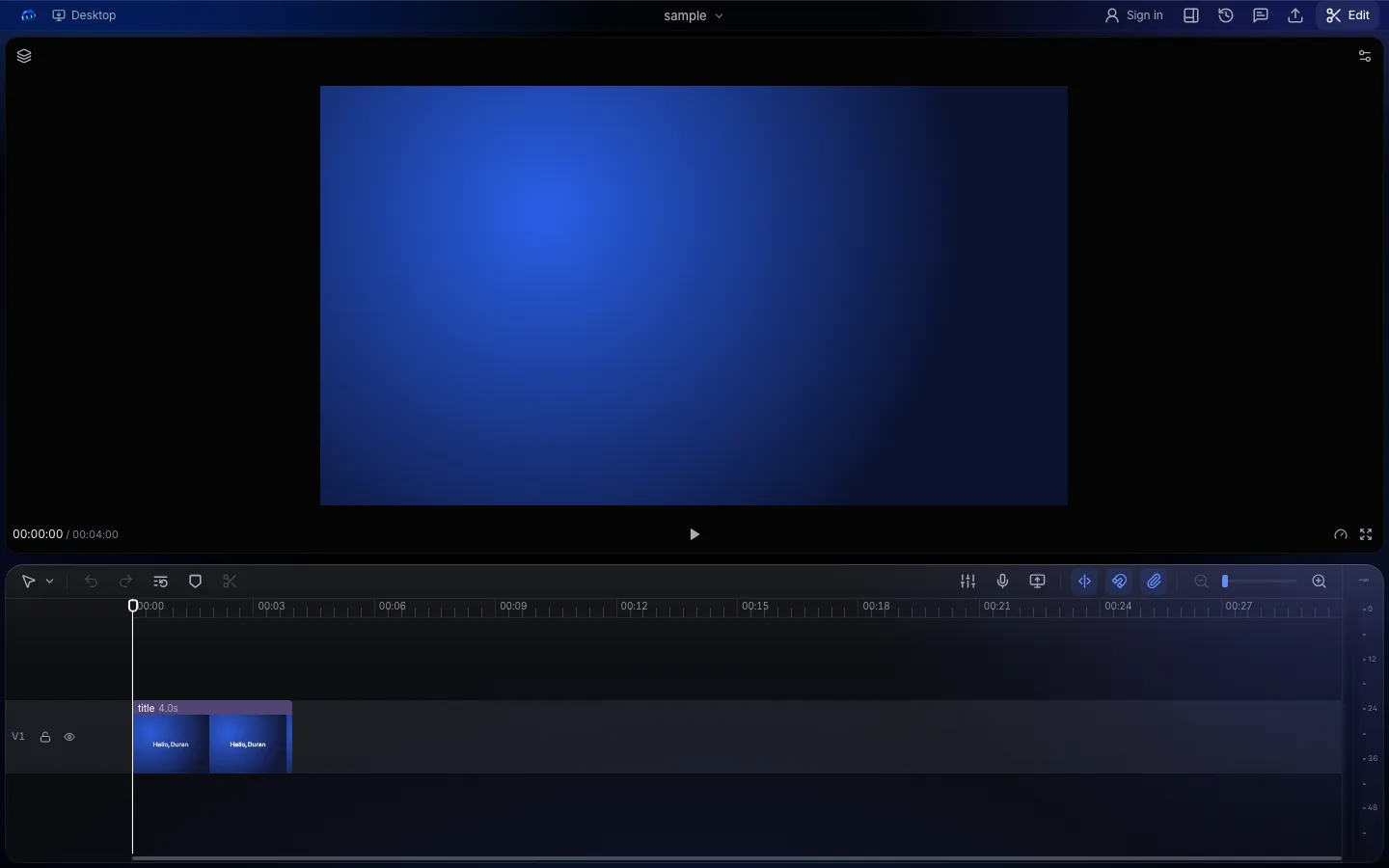
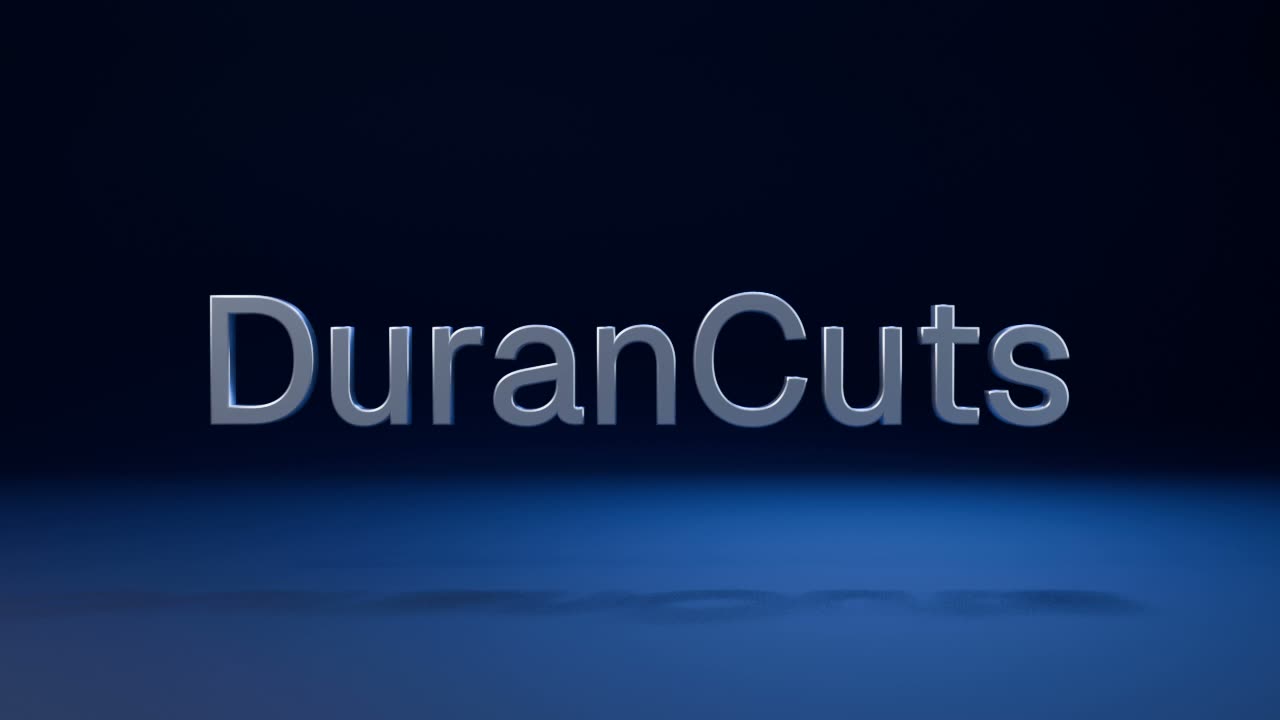
 Works with Blender
Ask for a 3D logo reveal, a product turntable, a phone mockup with your screen on it, or a looping 3D background. DuranCuts writes the scene for Blender and renders it on your computer.
Blender is free. On a Mac with Apple silicon, DuranCuts offers to download it the first time (346 MB), only after you say yes; on Windows it uses the Blender you have installed. Rendering 3D on a rented GPU is coming soon.
Blender is a registered trademark of the Blender Foundation. DuranCuts is independent and not affiliated with it.
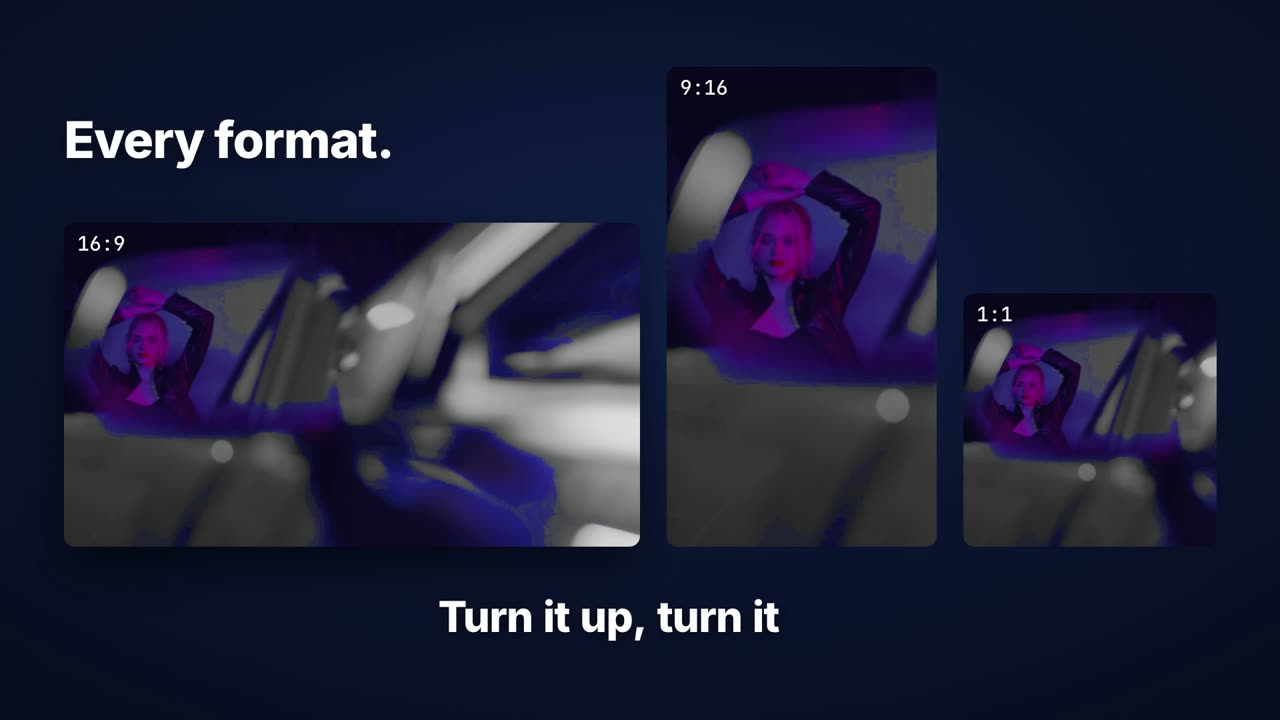
One edit becomes 16:9 for YouTube, 9:16 for Reels, Shorts and TikTok, and 1:1 for the feed. The new frame follows the person, not the middle of the picture.
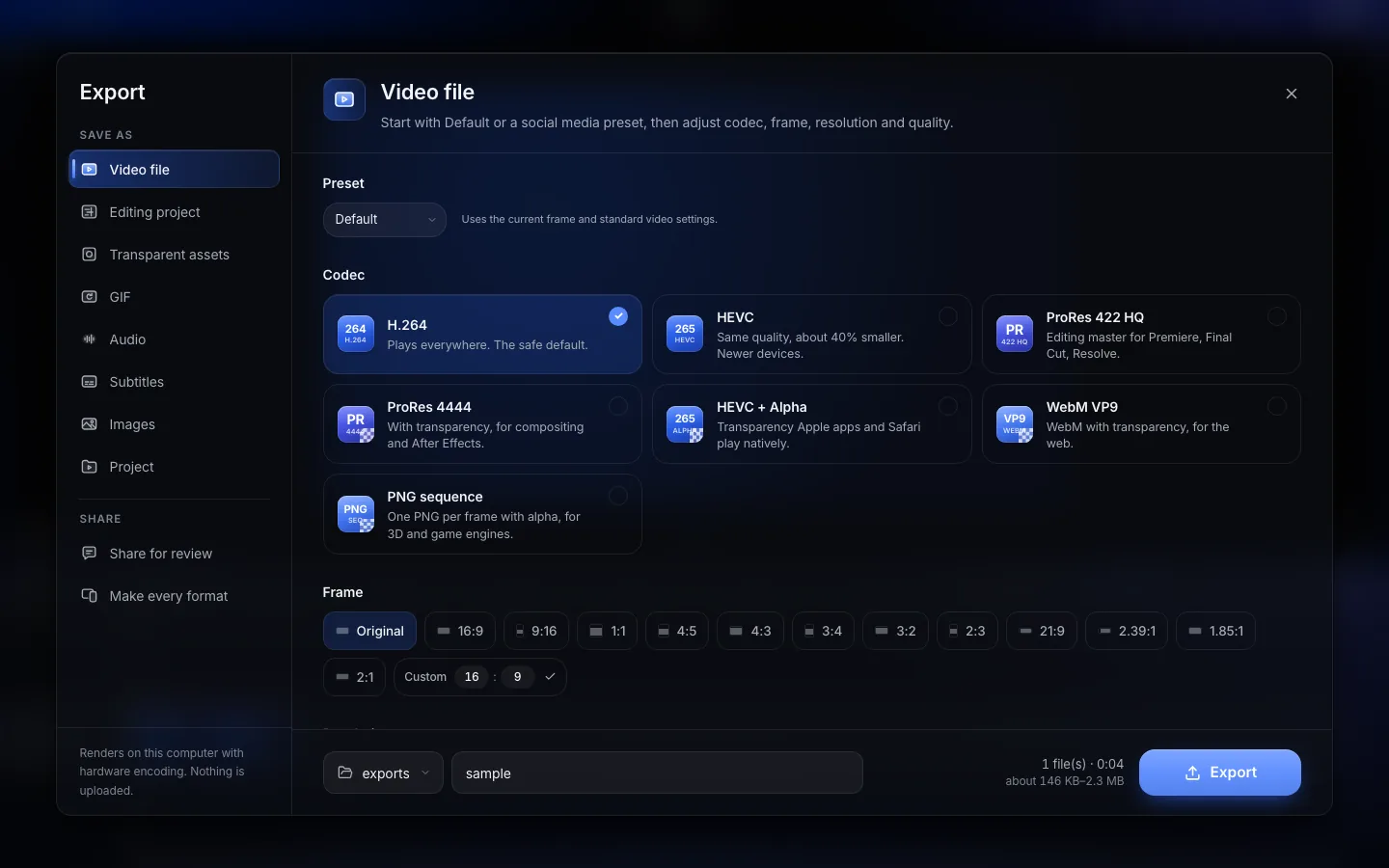
Export H.264, HEVC or ProRes, video with alpha, or a GIF. Or hand the timeline to Premiere, Final Cut, DaVinci Resolve or CapCut as an editing project and keep cutting there.
Start in DuranCuts, finish wherever you like. Send the whole edit, every cut, title, caption and track, to Final Cut Pro, Premiere Pro, DaVinci Resolve or CapCut as a real project, with your media linked or copied beside it.
DuranCuts
Export › Editing project
 Final Cut ProFCPXML + media folderMac
 Premiere ProXML + media folderMac · Windows
 DaVinci ResolveTimeline XML + media folderMac · Windows
 CapCutStraight into your draftsMac · Windows
Final Cut Pro is a trademark of Apple Inc. Premiere Pro is a trademark of Adobe. DaVinci Resolve is a trademark of Blackmagic Design. CapCut is a trademark of its owner. DuranCuts is not affiliated with them.
Lyric Video, Shotcraft and 3D are skills built in. These come with them.
Narration for your video.
The same video in other languages.
Captions with word-by-word highlight.
Your colors, fonts and logo on every video.
See the plan before anything is built.
Start a video from a link.
Record your screen and cut it in.
A second look at the cut.
The agent inside DuranCuts is a coding agent put to work on your video. Bring the one you already pay for, or use ours.
Claude Code by Anthropic
Codex by OpenAI
Sign in with your own Claude Code or Codex account. DuranCuts runs it on your video, on your plan. Other coding agents work too.
sk-••••••••
Paste a key from the model service you use and DuranCuts calls it directly. You pay that service, at its prices.
DuranCuts cloud
Sign in with a DuranCuts account and the agent runs on our service, on Anthropic's Claude models. Credits for it are coming.
Sign in to your accountClaude and Claude Code are trademarks of Anthropic, PBC; Codex is a trademark of OpenAI. Named to say what DuranCuts can use. Neither company endorses DuranCuts.
Your computer doesn't have to be fast. When a render, a 3D scene or a big job would tie it up for an hour, send it to a rented GPU in the cloud and keep working.
For 3D renders, 4K upscaling, super slow motion, object masks, original music, AI B-roll and dubbing.
Coming soon, after launch
| GPU | Memory | Per minute | Per hour |
|---|---|---|---|
| RTX A5000 | 24 GB | 1.1¢ | $0.68 |
| RTX 3090 | 24 GB | 2.1¢ | $1.25 |
| A40 | 48 GB | 2.5¢ | $1.48 |
| RTX A6000 | 48 GB | 2.9¢ | $1.73 |
| RTX 4090 | 24 GB | 3.7¢ | $2.23 |
| L40S | 48 GB | 4.5¢ | $2.73 |
| RTX 5090 | 32 GB | 5.8¢ | $3.48 |
| A100 80GB | 80 GB | 8.7¢ | $5.23 |
Planned prices as of November 12, 2026, and they may change before cloud GPUs open. Billed per second, start-up time included, with a $0.25 minimum per job.
macOS on Apple silicon
Windows PC
Free to download. Requirements and install notes
Very soon. Join the waitlist and we'll email you the download link the moment it's live.
The app is free to download. You can run it with an agent login or an API key you already have. Credits for the DuranCuts cloud are coming, and there is no public pricing for them yet.
Yes. There's a Mac version for Apple silicon and a Windows version. Requirements for each are on the download page.
No. People make music videos, lyric videos, product promos, explainers, YouTube videos and social cuts with it. If you can describe it, you can start it.
No. You can sign in with an agent you already use, such as Claude Code or Codex, use your own API key, or use the DuranCuts cloud with a DuranCuts account.
Yes. The video is a normal timeline: move, trim and mix clips by hand, or ask for the change in plain words. Both work on the same project.
Video as H.264, HEVC or ProRes, video with alpha, and GIF, in 16:9, 9:16, 1:1 and more. You can also export an editing project for Premiere, Final Cut, DaVinci Resolve or CapCut.
They're coming after launch. The prices above are the plan. Join the waitlist to hear when they open.
Yes. The Duran API makes and changes videos over HTTP. Read the docs.